Carousel Demo
Image Carousel Demo
Here’s a demonstration of the image carousel feature with auto-advance and position indicators.
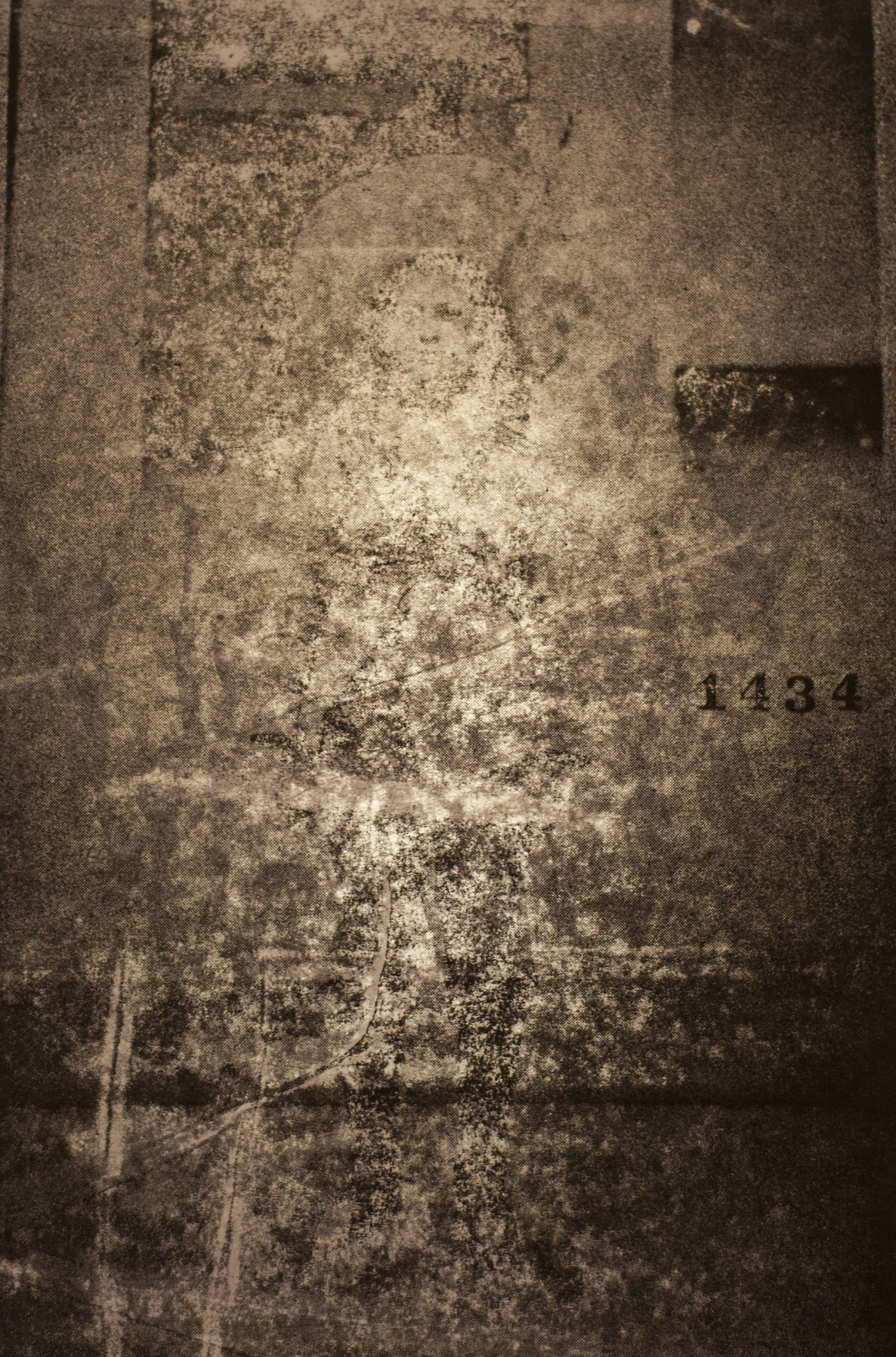
Contemporary visual narratives
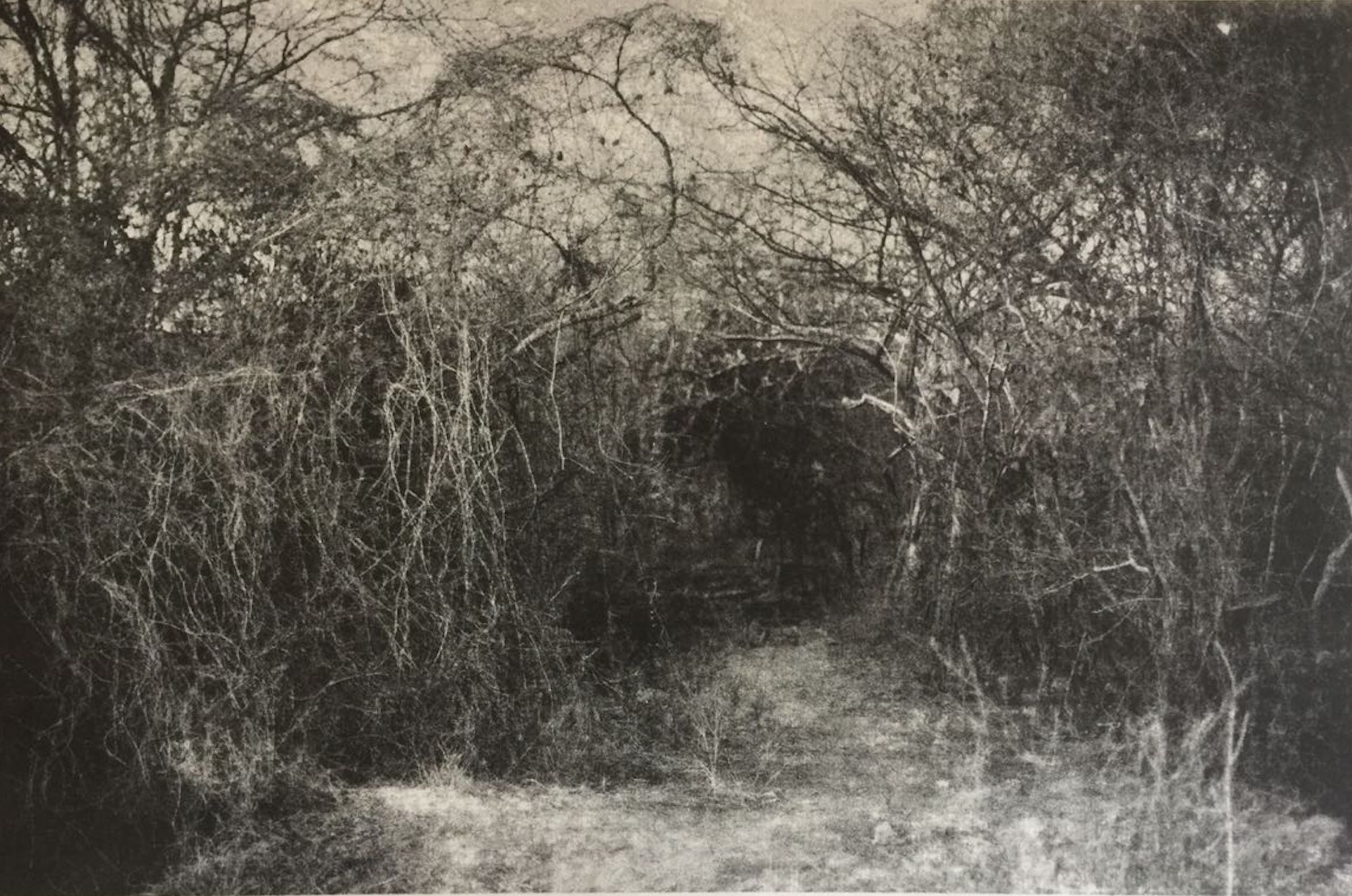
Exploring identity and memory

Documentary photography

Mujeres Flores - Award-winning series
Features
✨ Auto-Advance - Images change automatically every 4 seconds
🎯 Position Indicators - Dots show current position
⬅️➡️ Navigation Arrows - Hover to reveal prev/next buttons
⏸️ Pause on Hover - Automatic playback pauses when hovering
👆 Click Indicators - Jump to any slide instantly
⌨️ Keyboard Support - Use arrow keys to navigate
📱 Swipe Gestures - Touch-friendly on mobile devices
🔄 Smooth Transitions - Elegant fade effects
How to Use
Add this code to any page:
{% include carousel.html
   interval=5000
   images=site.data.carousel_images
%}
Parameters
- interval: Time in milliseconds between slides (default: 5000)
- images: Array of image objects from data file
Image Data Structure
Create a data file at _data/carousel_images.yml:
- url: /assets/images/hero/portada01.jpg
  alt: Image 1 description
  caption: Optional caption text

- url: /assets/images/hero/portada02.jpeg
  alt: Image 2 description
  caption: Another caption

- url: /assets/images/hero/portada04.jpg
  alt: Image 3 description
Customization
You can customize the carousel appearance by editing assets/css/main.scss:
- Aspect Ratio: Change
aspect-ratio: 16 / 9(desktop) or4 / 3(mobile) - Indicator Colors: Modify
.carousel-indicatorbackground colors - Transition Speed: Adjust
opacity 0.6sfor fade duration - Arrow Appearance: Customize
.carousel-navstyles